
Visual Timetable Planning,
Simplified
Create beautiful schedules with drag-and-drop ease.
Free desktop app for Mac and Windows.
100% Free. No account required. Your data stays on your device.
Note: This app is not signed. Windows and macOS may show a security warning on first launch.
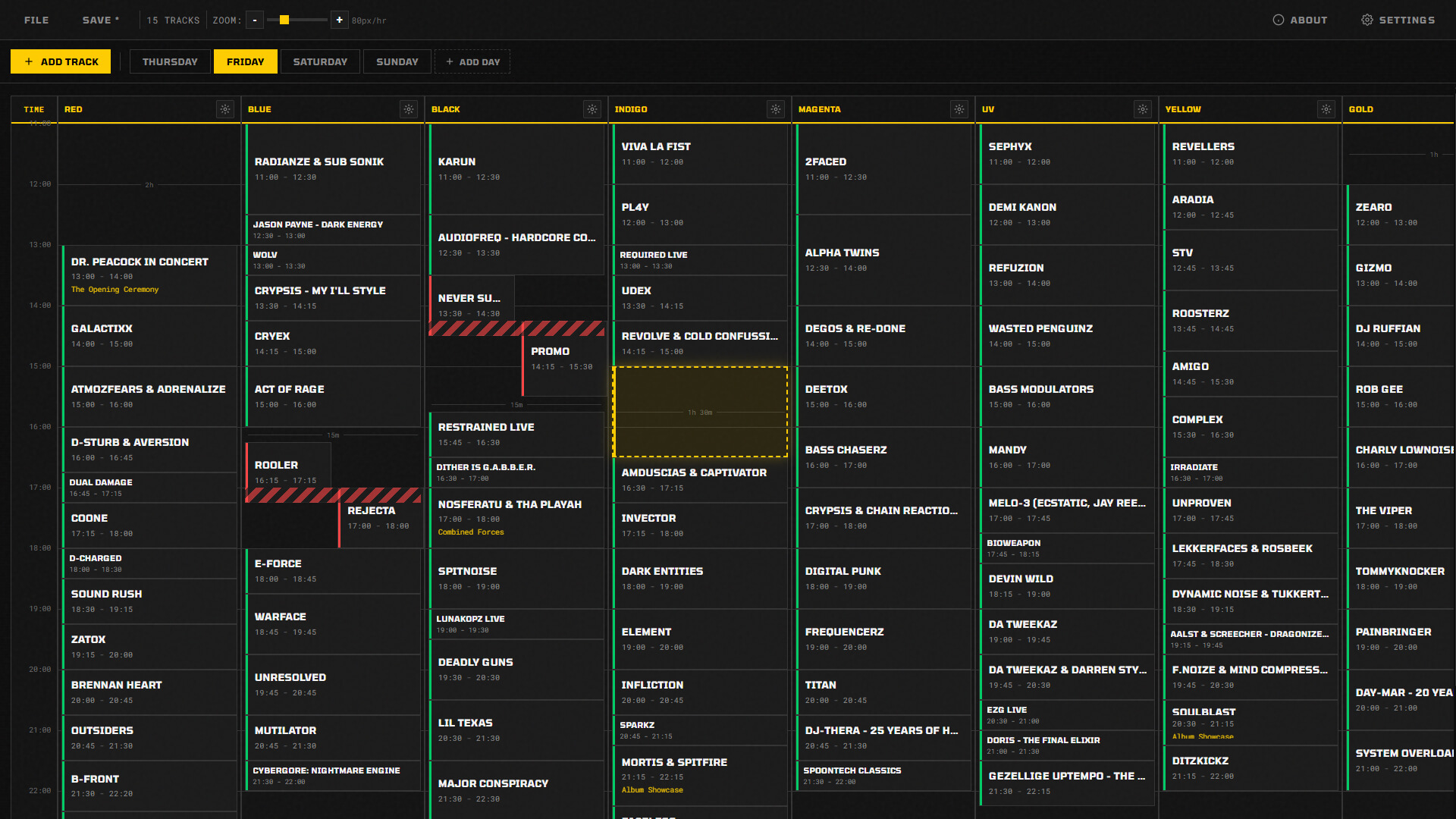
Why Spreadsheets Don't Work for Timetables
Spreadsheet Chaos
Excel and Google Sheets weren't designed for time planning. You end up fighting merged cells instead of planning your schedule.
No Visual Overview
Text-based schedules make it impossible to spot conflicts, gaps, or overloaded time slots at a glance.
Manual Time Math
Constantly calculating start times, end times, and durations. One change cascades into hours of manual adjustments.
Inflexible Blocks
Moving a time slot means copy-paste-delete-format. There's no simple way to drag and rearrange your schedule.
No Conflict Detection
Double-booked? Overlapping slots? You won't know until it's too late. Spreadsheets can't warn you about scheduling conflicts.
Ugly Output
After all that work, your timetable still looks like a boring spreadsheet. Good luck getting anyone excited about that.
Built for Real Scheduling
Drag-and-Drop Scheduling
Click, drag, done. Move time blocks anywhere on your schedule with intuitive drag-and-drop. No formulas, no manual entry.

Resize with Handles
Grab the edge of any block to extend or shorten its duration. Real-time updates show exactly how long each slot will be.
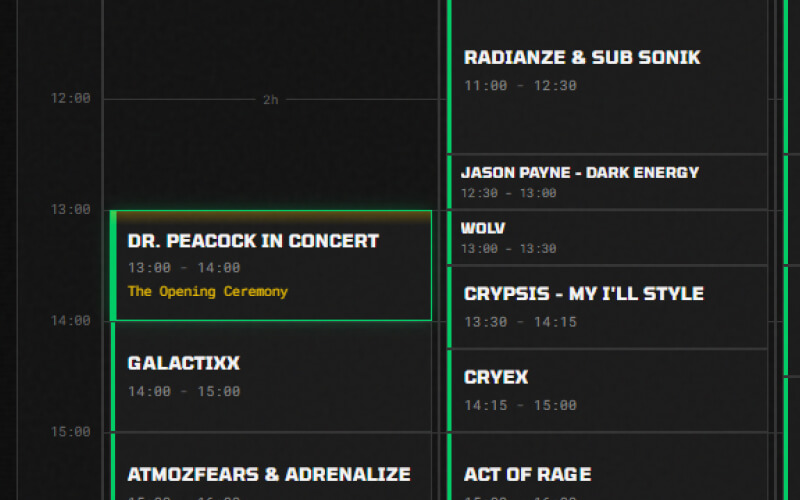
Multiple Tracks
Organize your schedule into parallel tracks - perfect for rooms, people, or resources. See everything side by side.
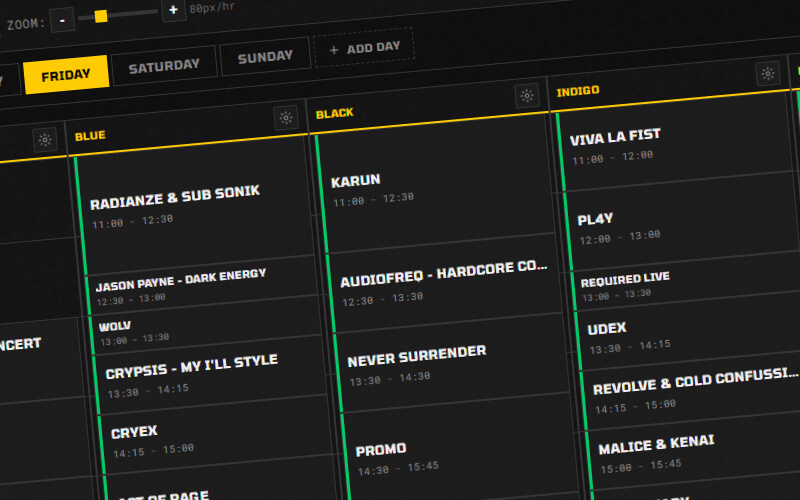
Multi-Day Support
Plan your entire week, conference, or event. Switch between days with tabs. Copy schedules across days.

Per-Track Time Ranges
Different tracks can have different operating hours. A morning track doesn't need to show evening slots.

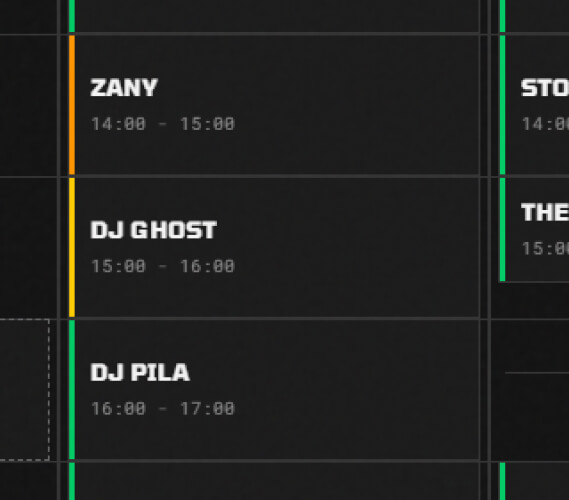
Status Indicators
Mark blocks as planned, confirmed, warning, or conflict. Visual status bars make the schedule state immediately clear.
Frequently Asked Questions
Ready to Build Better Timetables?
Download now and create your first schedule in minutes.
100% free. No strings attached.